




The Patient Portal gives you secure online access to your care team.
To manage your ongoing care, you need quick access to information and easy, secure ways to talk with your medical team. The Patient Portal is the main way to view your health data and connect with your care team. Using this secure online tool, you can skip phone hold times and manage your health information whenever it works for you.
Critical Safety Directive: Never utilize the Patient Portal or message center to report acute symptoms, severe pain, or immediate medical crises. If you are experiencing a life-threatening medical emergency, call 911 immediately or proceed directly to the nearest emergency room facility.
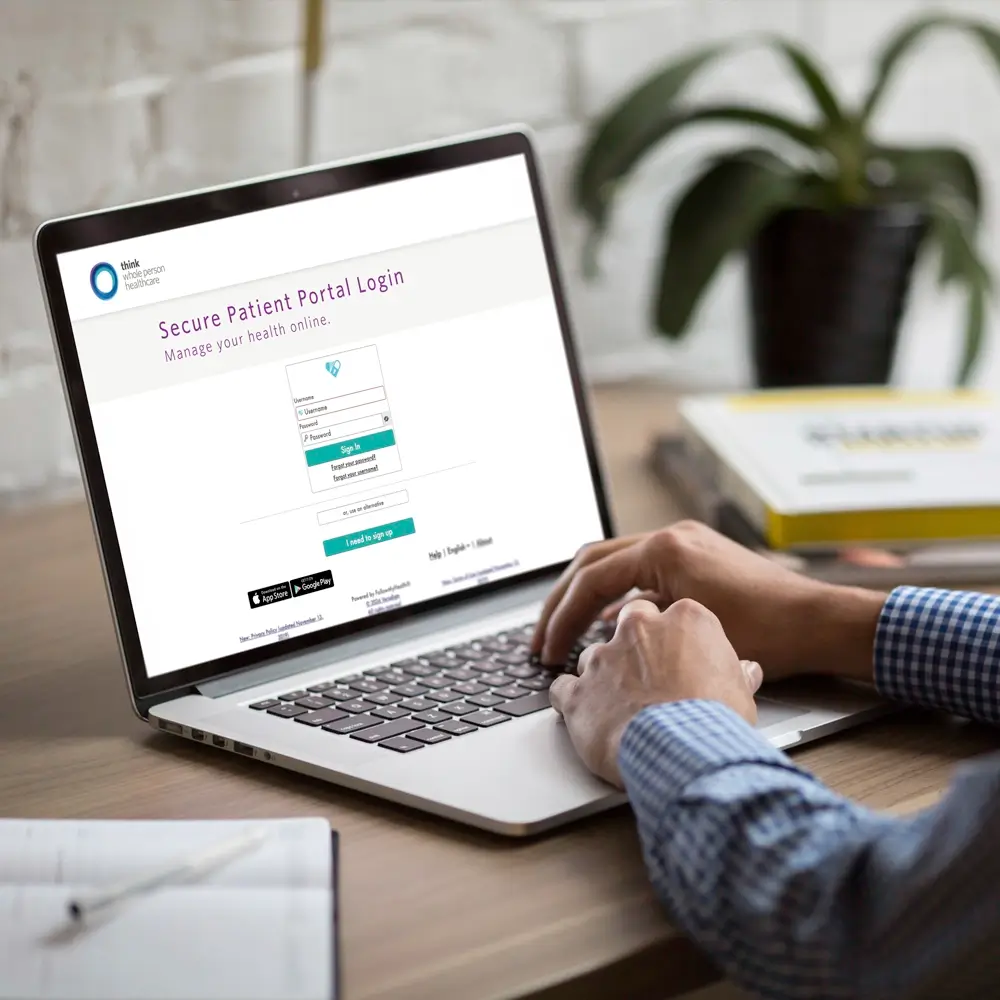
Activating and Navigating Your Secure Portal Account
Our electronic health network makes it simple to establish your digital medical profile and gain immediate access to your permanent records history.
Important Safety Reminder: Please do not use the Patient Portal or message center to report urgent symptoms, severe pain, or emergencies. If you have a life-threatening emergency, call 911 right away or go to the nearest emergency room.
Step 1
Initial System Registration
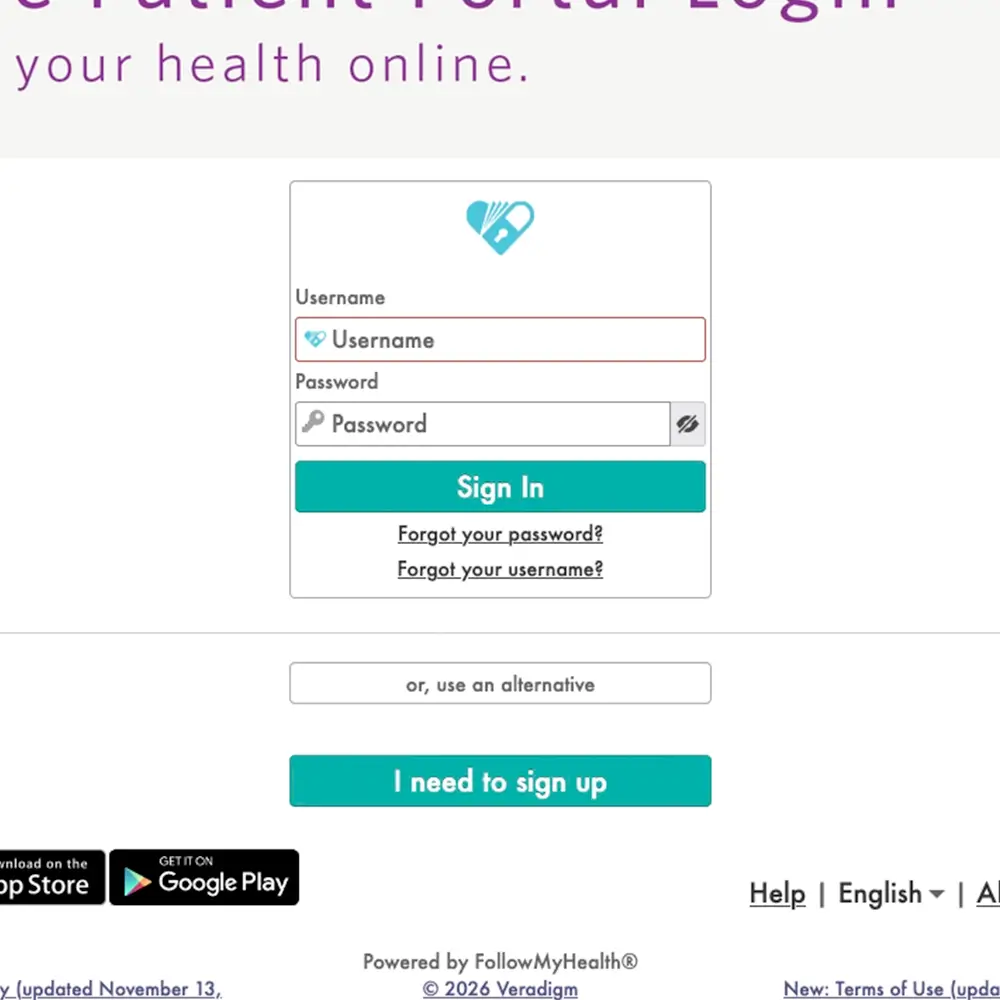
If you are new or have not activated your digital profile, go to our portal landing page. Click the “I need to sign up” button on the login screen and follow the steps to verify your identity and set up your account.
Step 2
Logging into Your Secure Environment
After you finish setting up your profile, go back to the login page and click “Sign In.” Enter your User ID and password to access your secure patient dashboard.
Step 3
Utilizing Your Health Summary Page
After you log in, go to your Health Summary page. Here, you can securely view your lab results, health records, prescriptions, and other parts of your care plan.
The Secure Message Center lets you contact your care team directly.
One of the most helpful features of your Patient Portal is the Secure Message Center. It lets you send secure messages directly to your primary care doctor, specialists, and support staff.
If you have questions about test instructions, want to report a non-urgent change in your symptoms, or need to ask about your medication schedule, your message goes straight to your care team. All portal messages are added to your electronic health record right away, so your whole care team can see your communication and keep your care coordinated.
Frequently Asked Questions.
Critical Safety Directive: Never utilize the Patient Portal or message center to report acute symptoms, severe pain, or immediate medical crises. If you are experiencing a life-threatening medical emergency, call 911 immediately or proceed directly to the nearest emergency room facility.
Yes. The Patient Portal operates behind advanced, enterprise-grade data encryption layers that comply fully with all federal HIPAA privacy and security mandates. Your login credentials, health summary data, and electronic messages are fully encrypted to prevent unauthorized third-party tracking or security breaches.
If you misplace your security credentials, navigate to the primary portal sign-in interface and click the automated links for “Forgot User ID” or “Forgot Password.” The system will guide you through secure multi-factor authentication protocols to verify your identity and restore your profile access safely.
The Secure Message Center is intended for non-emergency administrative and clinical inquiries. Your provider’s team monitors incoming transmissions continuously throughout standard business hours and typically processes a formal response within 24 to 48 operational hours.